

Blog · Guide
Time blocking: how to give everything a place on your calendar
Time blocking turns your to-do list into blocks on the calendar. How it works, how to start in six steps and how to do it in Quando.
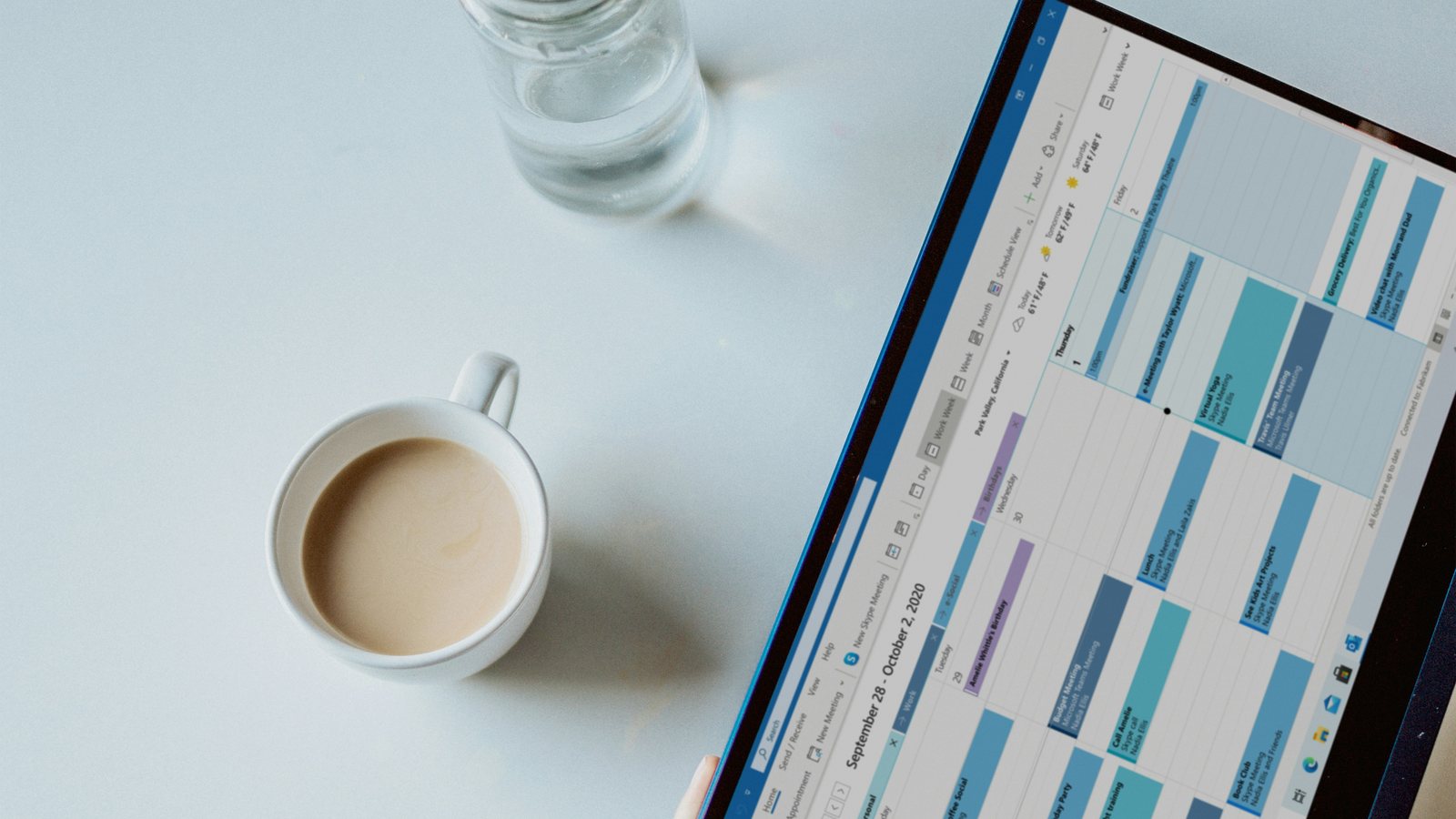
A to-do list tells you what you want to do, not when. Time blocking adds the missing part: every important thing gets a block of time on the calendar, with a start and an end. The method has been popularized by, among others, the author Cal Newport, but the idea is simple and needs no special tools: just a calendar and the decision to use it as a plan, not as an archive.
Why it works
- You decide once. Choosing what to do every hour is tiring. If you've already decided in the morning (or the evening before), during the day you only have to follow the plan.
- You see how much time you really have. An hour has sixty minutes, and a block on the calendar reminds you. When there's no room left, it's clear that something has to go: better to know that on Monday than on Friday.
- You switch tasks less. Moving from one thing to another costs attention. Grouping similar things (email, calls, errands) into a single block reduces the cost.
How to start, in six steps
- 1List what you want to do
During the day or the week, in no particular order: empty your head.
- 2Estimate how long each thing takes
Add a margin. Almost everyone underestimates durations: if you think one hour, write an hour and a quarter.
- 3Protect focused work first
Put your most important blocks in the hours when you're sharpest, and keep them free of meetings and notifications.
- 4Batch the small tasks
One block for email and messages, one for errands, instead of many scattered interruptions.
- 5Add breaks and a “surprises” block
Travel, lunch and things that get out of hand exist even if you don't write them down.
- 6Review at midday
The plan isn't a contract: when something falls through, move the block, don't delete it.
An example day
- Focused work
- Meetings
- Small tasks
- Medium tasks
- Breaks
- Buffer
Every block has a start and an end, and there's always a little air between one and the next.
Doing it in Quando
- Write the block as a sentence. With natural writing (Pro) you can type “Review tomorrow from nine thirty to eleven thirty”, or “Meeting tomorrow at 10 am in the Work calendar”, and Quando prepares the event already filled in, for you to check and save.
- Give each type of block a color. Every calendar has its own color: a “Work” calendar, a “Personal” one, a “Family” one. The color tells you at a glance how you've distributed the week.
- Repeat the blocks that come back. “Gym every Monday and Thursday at 7 am” creates a repeating series (several different times in the same week are Pro; a repeat with a single time is free).
- Move and resize by dragging. In the column views (Pro) you drag a block to move it and its top or bottom edge to change the start or end (on the Mac; on iPad you tap for quick editing). The Day view (1, 3 or 5 days) and the Week view show your blocks vertically, like a paper planner.
- See how much room is left. With Free Time on, empty gaps become dashed boxes (“3 h free”): if there are none, the plan is full.
- Check off what you did. Tasks are events with a “done” checkbox: tap the circle and the block fades.
The most common mistakes
- A plan with no margins. The two-hour block will become two and a half: plan for it.
- Blocks that are too long without a break. After an hour or two of focused work, a short break helps you keep the pace.
- Treating the plan as sacred. If an emergency ruins the day, reorganize: the point is to have a plan, not to follow it at all costs.
- Mixing everything in one calendar. With several colored calendars you immediately see where your time goes.
Frequently asked questions
Does time blocking work if my work is unpredictable?
Yes, if you leave buffer blocks and accept moving them. The more unpredictable the work, the more you need a plan you can put back together quickly: you move blocks, you don't start from scratch.
How long does it take to plan the blocks?
Ten minutes the evening before or in the morning is enough. A short review at midday keeps the plan honest.
What's the difference between time blocking and a to-do list?
The list says what; time blocking also says when. The two work well together: the list is the warehouse, the calendar is the plan.