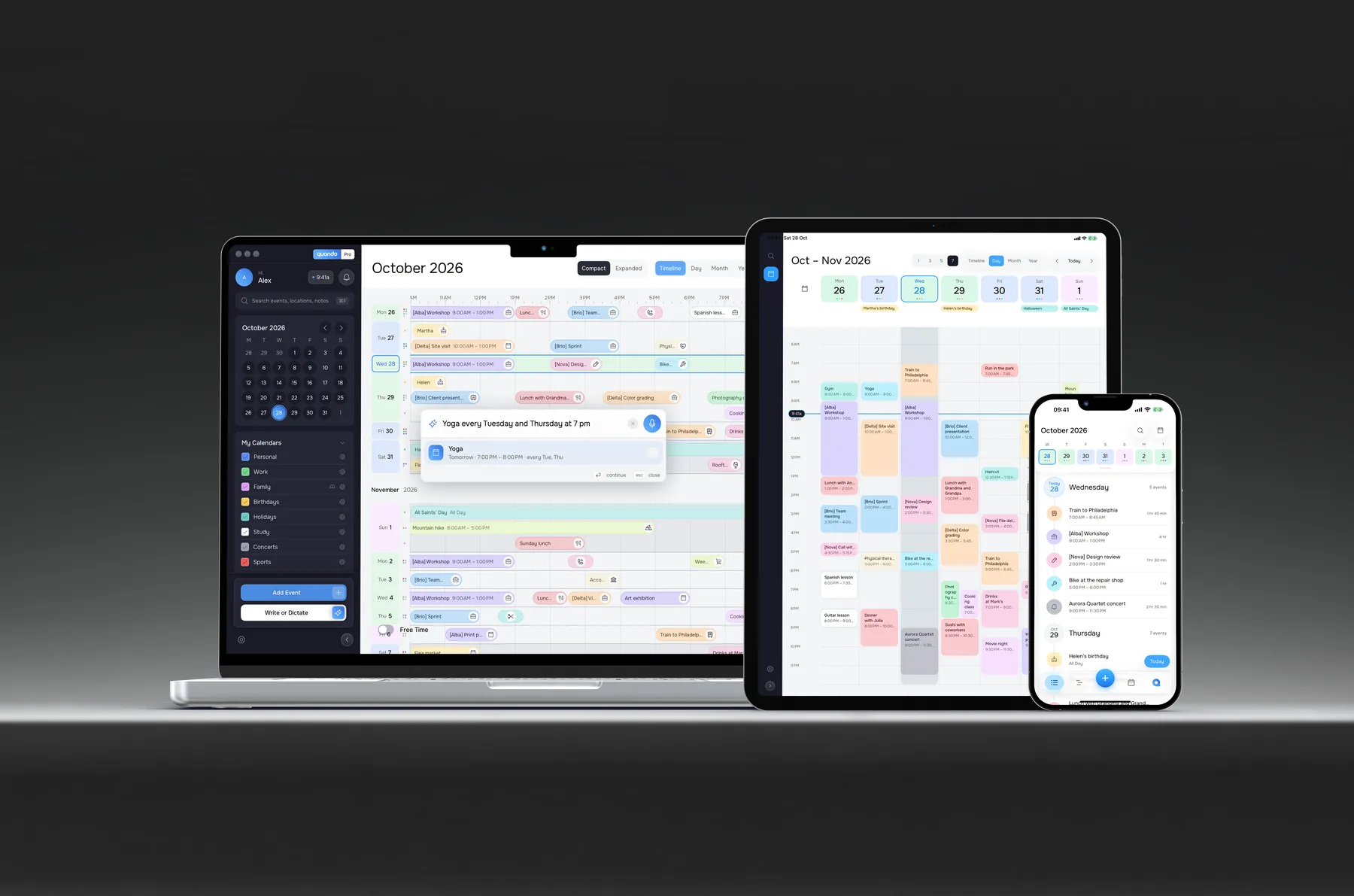
Is Quando on the App Store yet?
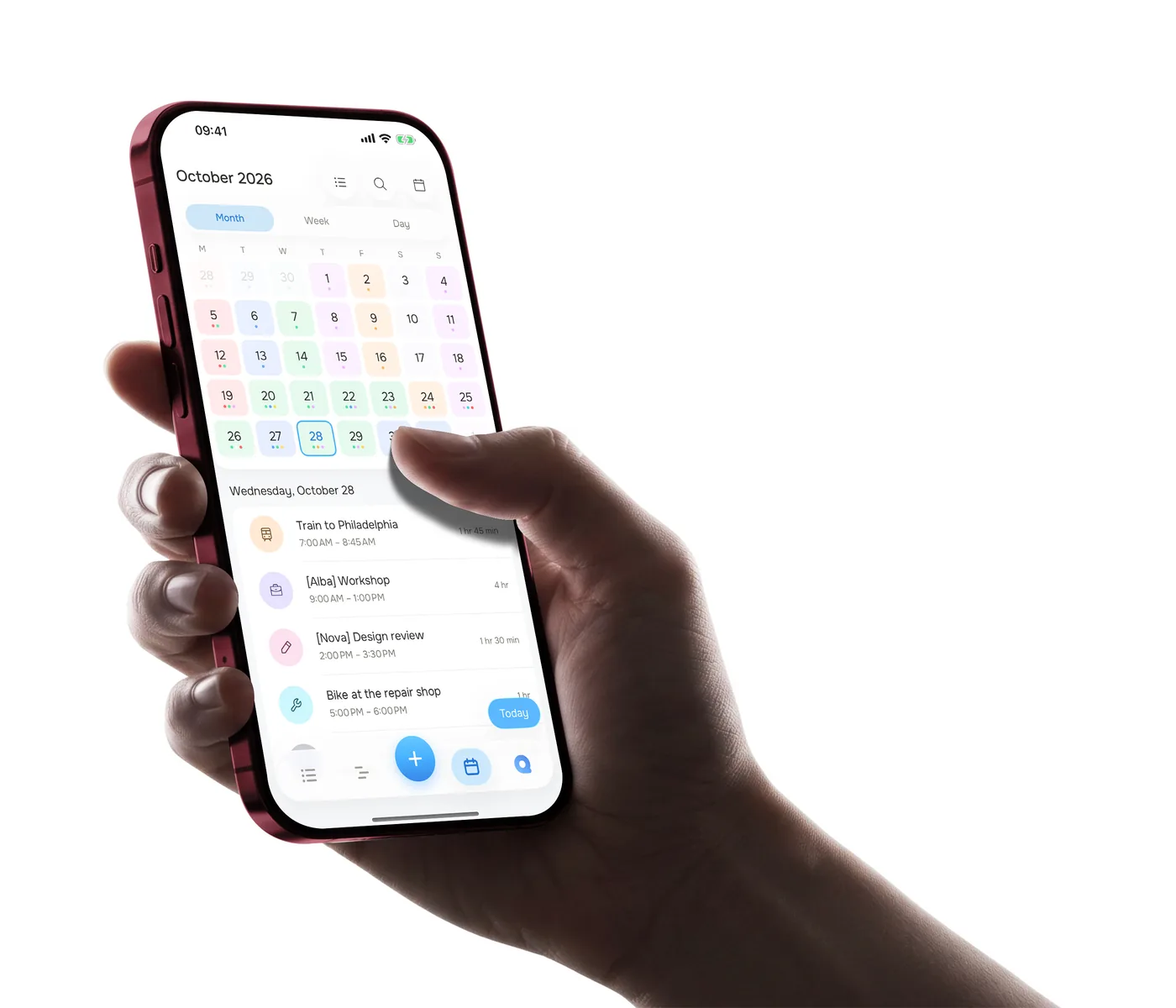
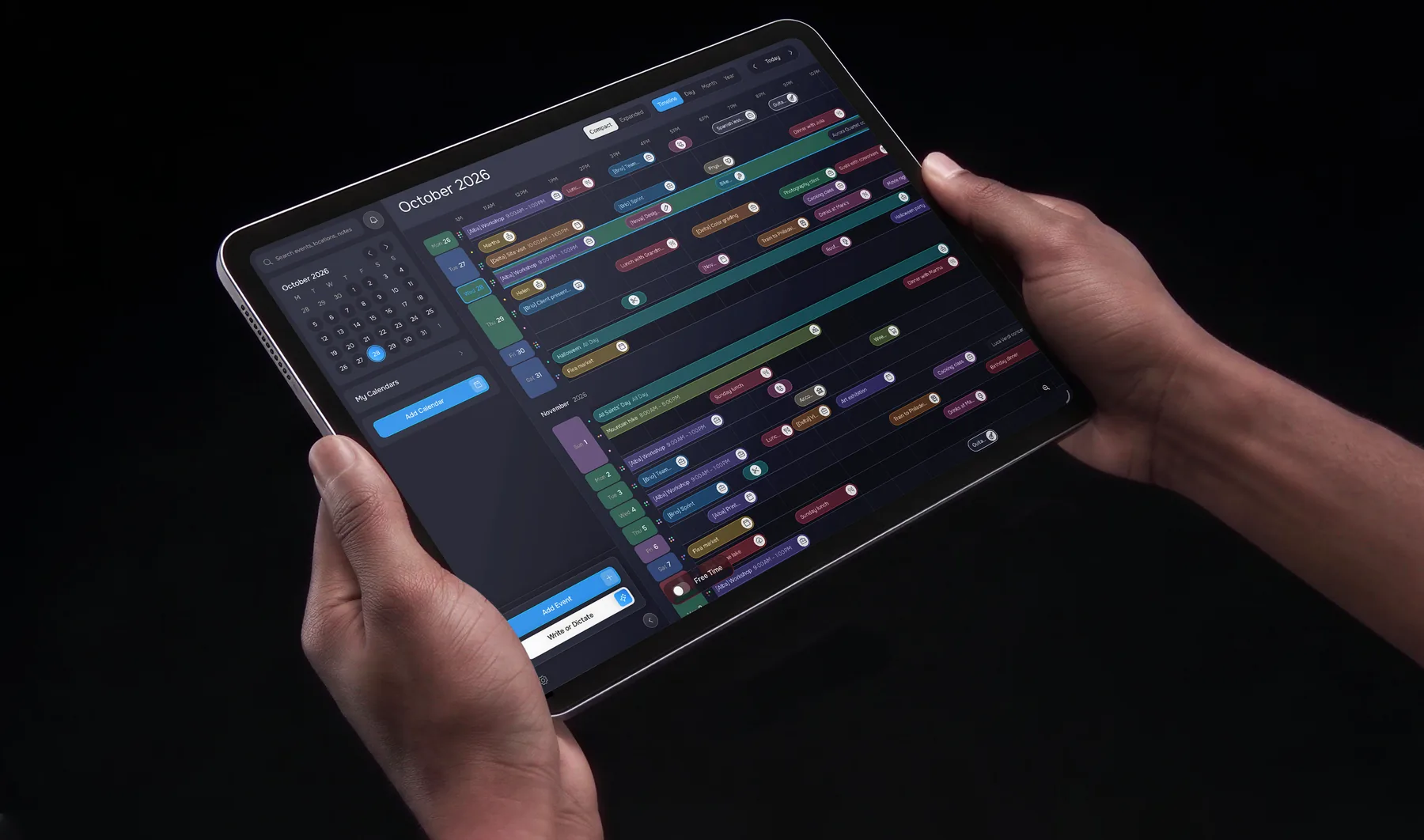
Yes: you can download Quando for iPhone, iPad, and Mac from the App Store.
Can I dictate an event?
Yes, with Quando Pro on iPhone, iPad, and Mac. Tap the microphone next to “Write an event.” Your words are transcribed in the app’s language and used to prepare the event. You can make corrections before saving. System Dictation must be enabled on Mac.
Where are my calendars stored?
Calendars created in Quando are stored on your device and sync through your iCloud. System calendars stay connected to their own services, such as Google or Exchange. You don’t need to create a Quando account.
Can I use my existing calendars?
Yes. Add your Google, iCloud, or Exchange accounts in your device settings, then enable “System calendars” in Quando and allow access. You can also import calendars from an .ics file.
What’s free and what’s Pro?
You can use the calendar, search, tasks, widgets, and alerts for free, and create up to two Quando calendars. System calendars don’t count toward that limit. Pro adds natural language entry, dictation, extra views, and unlimited Quando calendars, among other features. The comparison above lists what’s included on each device.
Are there notifications and widgets?
Yes. Get an alert before events and a daily summary at a time you choose, even when the app is closed. Widgets on iPhone and Mac show your upcoming plans. iPhone also has Lock Screen widgets.
Can I share a calendar or invite someone?
Quando doesn’t currently support sharing its calendars or sending invitations.
Which devices and languages are supported?
Quando requires iOS 26, iPadOS 26, or macOS 26 or later. The interface, natural language entry, and dictation are available in Italian, English, French, and German.
Is free time on iPhone too?
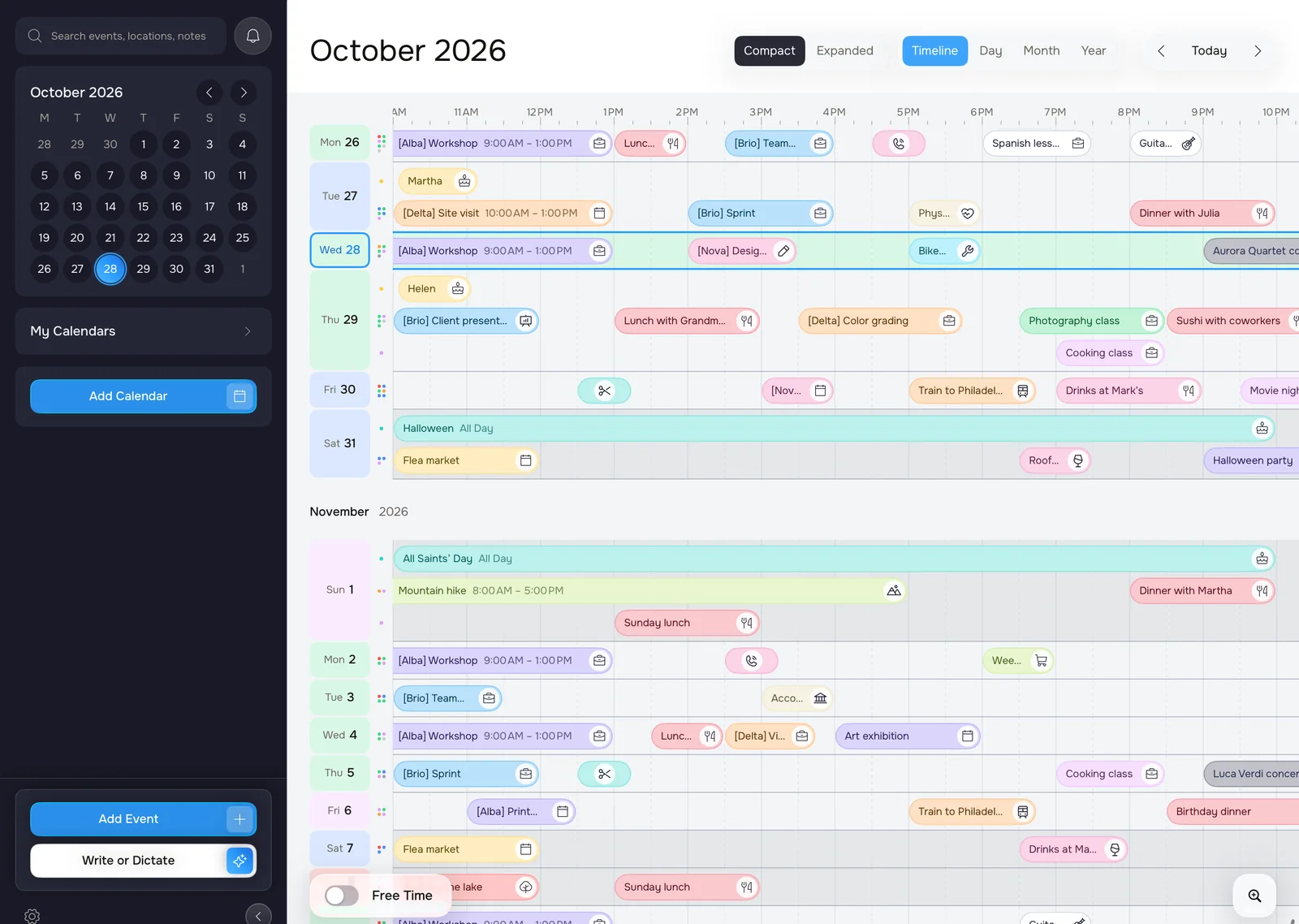
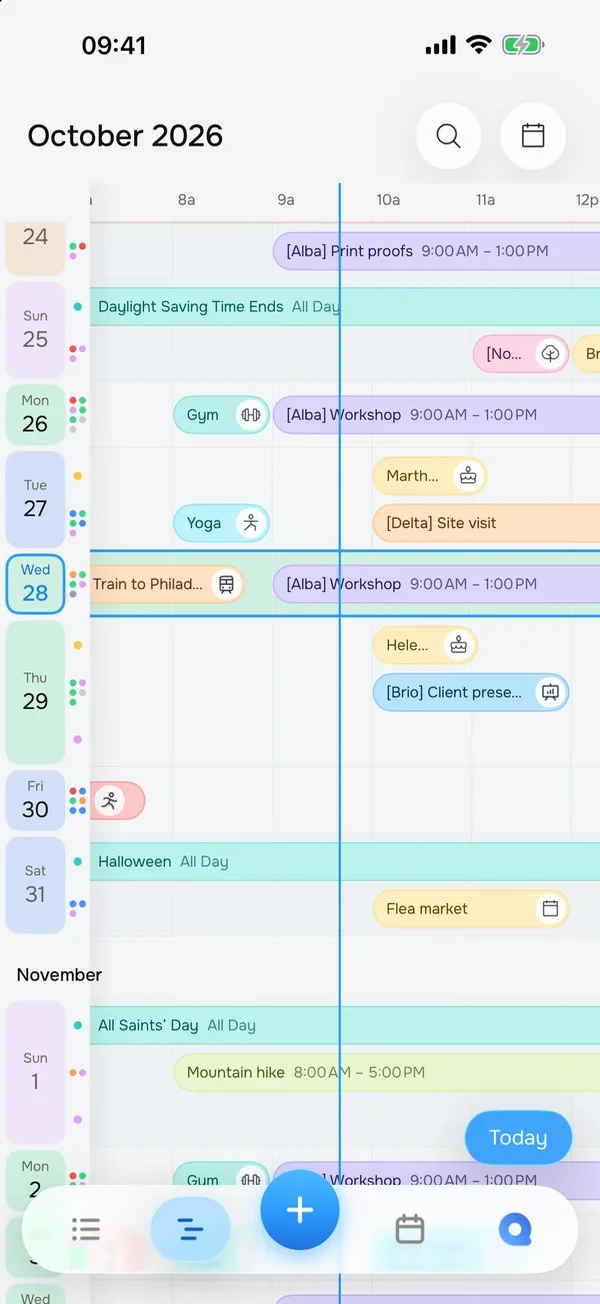
On Mac and iPad, you can highlight free time with boxes showing its duration, including on the free plan. The iPhone Timeline, included in Pro, shows the gaps between events without these boxes.